Start with the file, not the prompt
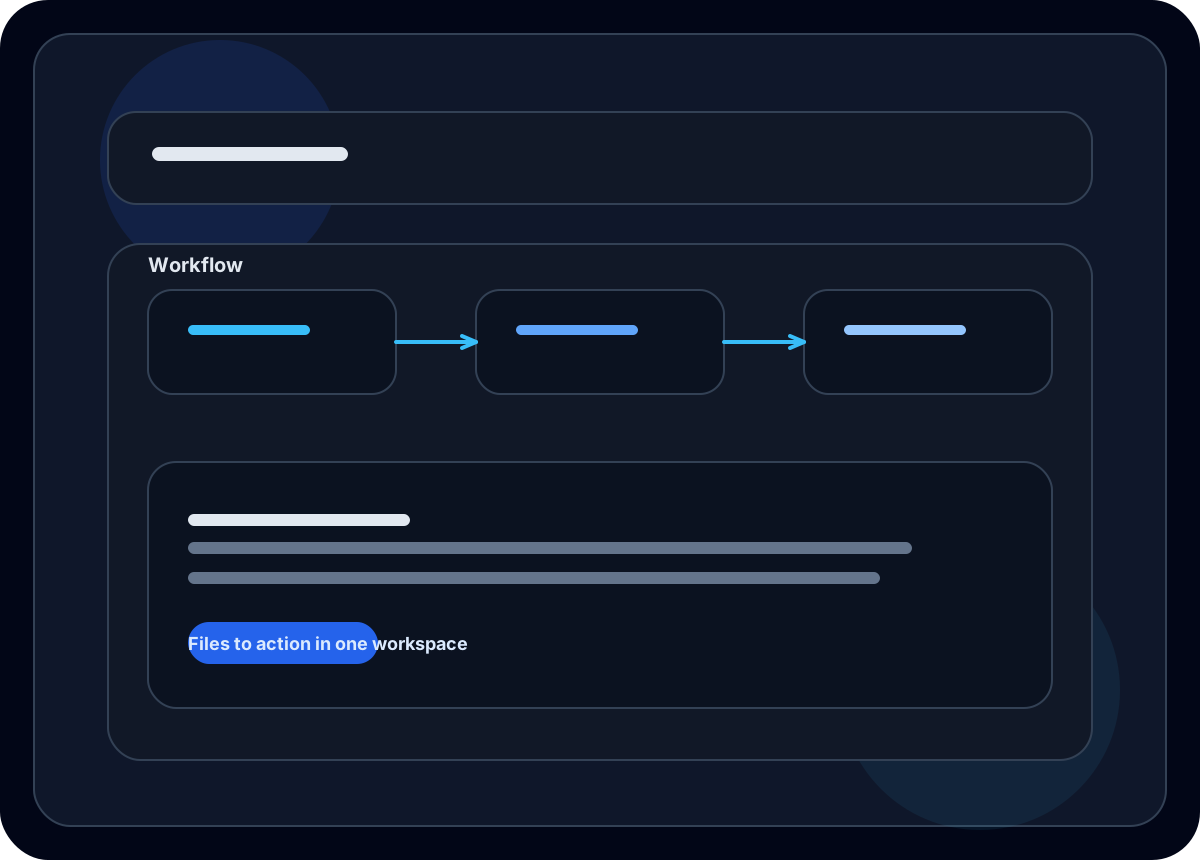
BearClaw is designed for real inputs. You can upload documents, keep them in your workspace, and ask questions against the material without manually copying everything into chat.
Useful everyday workflows
- Summarize a long PDF into the key takeaways
- Extract action items from notes or meeting transcripts
- Compare multiple documents in one workspace
- Reuse the same source material across follow-up tasks
Why this feels different
Most assistants treat documents like one-off uploads. BearClaw treats them like working material. They stay attached to the workspace so you can build on the same context over time.