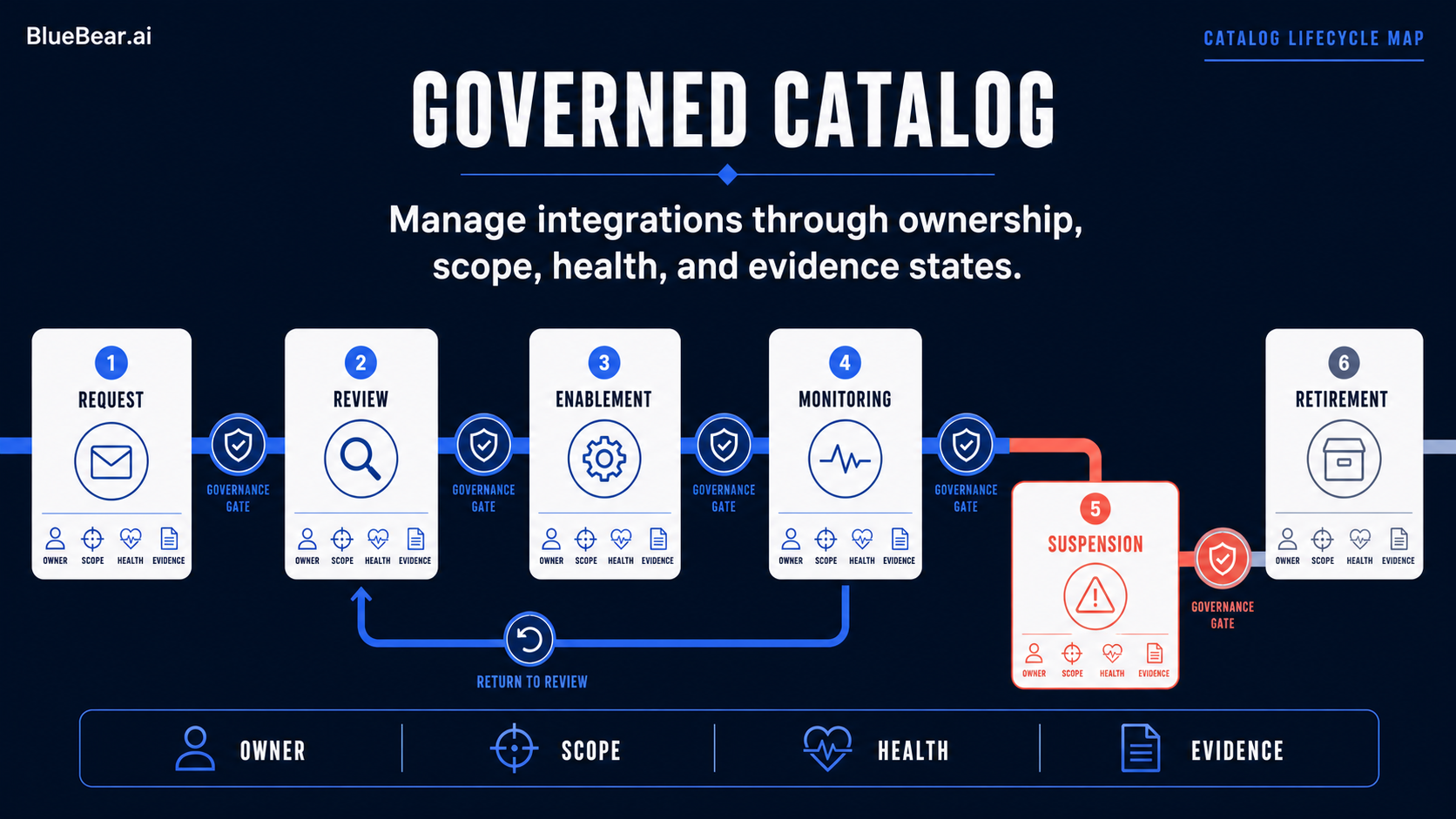
What is MCP?
The Model Context Protocol (MCP) is a standard for connecting AI agents to external data sources and APIs with scoped access, authentication, and audit trails. Instead of giving agents raw API keys or database credentials, MCP provides a structured way to define what an agent can access, what operations it can perform, and how every action is logged.
Think of MCP as an abstraction layer between your agent and its tools. The agent requests data or actions through MCP, and the protocol handles authentication, authorization, rate limiting, and logging transparently.
Core Concepts
Connections are the fundamental unit. A connection defines a data source (like HubSpot, QuickBooks, or a PostgreSQL database) along with the credentials, scopes, and permissions the agent has when accessing it.
Tools are operations the agent can invoke through a connection. For a CRM connection, tools might include "search contacts," "update deal stage," or "create task." Each tool has a defined schema for inputs and outputs.
Scopes control what a specific agent can do with a connection. You might give a reporting agent read-only access to your CRM, while a sales automation agent gets read-write access to deals and contacts.
Setting Up Your First MCP Connection
Start with a data source your team already uses. For this example, we will connect an agent to a CRM platform.
First, register the connection in your Bluebear workspace. You will provide the OAuth credentials or API key, define the available tools, and set the default scopes. The platform handles token refresh, retry logic, and connection pooling automatically.
Next, assign the connection to an agent workspace. The agent now has access to the tools you defined, scoped to the permissions you specified. Every call the agent makes through this connection is logged with a correlation ID for auditing.
Best Practices for Production MCP
- Least privilege: Give agents only the scopes they need. A reporting agent should not have write access to your CRM.
- Connection pooling: Reuse connections across agent requests to reduce authentication overhead and respect rate limits.
- Error handling: MCP connections can fail due to rate limits, expired tokens, or service outages. Build retry logic with exponential backoff into your agent workflows.
- Audit everything: Every tool invocation should be logged with the agent ID, connection ID, tool name, and timestamp. This is essential for compliance and debugging.
- Test with sandboxes: Most APIs offer sandbox environments. Test your MCP connections there before connecting to production data.
Common Integration Patterns
Data aggregation: Connect multiple sources (CRM + analytics + billing) and let the agent synthesize information across them. This is the most common pattern for reporting and analysis agents.
Workflow automation: Chain tool invocations to automate multi-step processes. For example: check CRM for new leads, enrich with LinkedIn data, create personalized outreach in your email tool.
Event-driven agents: Use webhooks to trigger agent workflows when data changes. When a new deal closes in your CRM, automatically update your billing system and notify the support team.